Accounts payable
Keeps invoice intake, validation, matching, exception routing, and payment readiness moving.

Invoice, Spend & Payments
Bring purchase orders, receipts, service confirmations, and invoices into one view for faster, more confident resolution.
Who this is for
Invoice Matching is for enterprises that need two-way and three-way matching decisions to be understandable, owned, and connected to the records that explain them.
Buyer lens
The buying question is not only whether this capability works. It is whether the right people can use it, govern it, and carry the context into the next step.
Why teams use it
A focused capability should remove uncertainty from the people doing the work while keeping the business rules and accountability intact.
 VendrNova
Invoice control
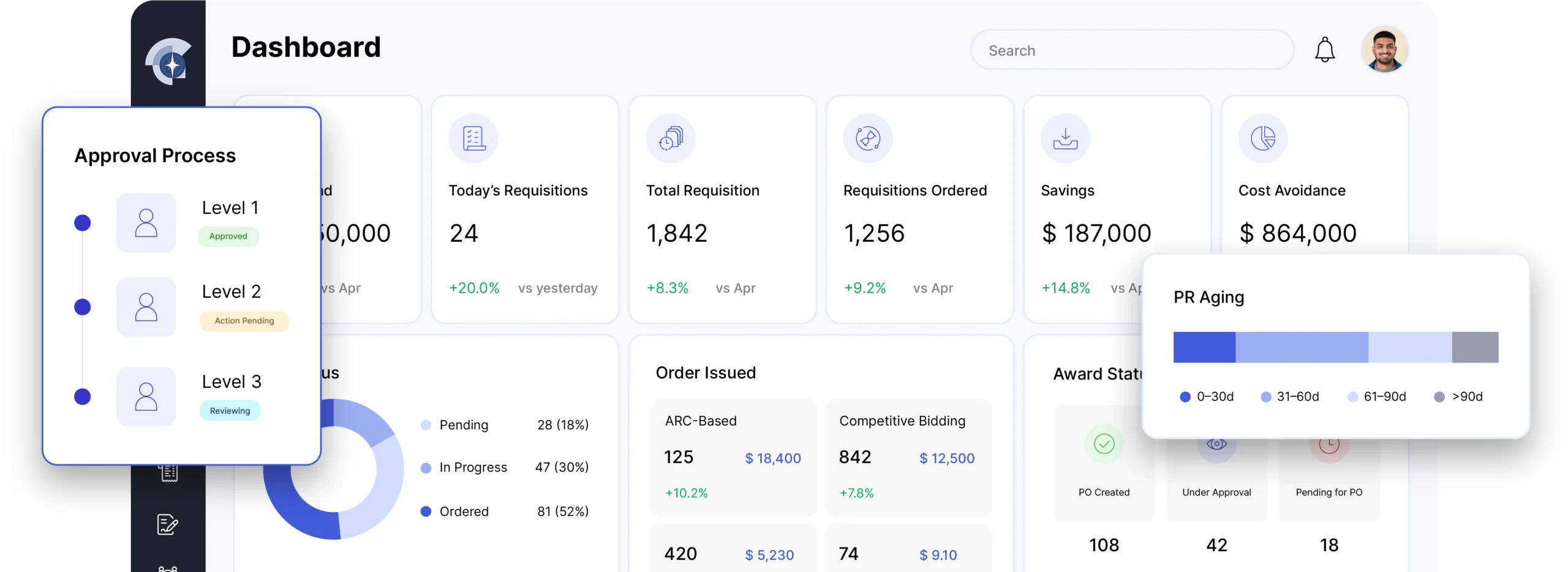
Updated just now · All entities
Invoices in flow
624
+12.4%
Matched
86%
This period
Exceptions
42
Assigned
Due soon
$310K
Next 14 days
Purchase order
PO-321654
Receipt
GR-8942
Invoice
INV-321654
Workflow before and after VendrNova
The value of a module is clearest when buyers can see how the work changes before, during, and after the handoff.
Before VendrNova
The invoice is blocked, but the people who can explain the difference are not obvious and the records are separated.
AP sees a variance without a clear view of the order, receipt, service entry, terms, or responsible owner.
Procurement, the requester, supplier, and receiver exchange messages to understand the difference.
The invoice stays open, the supplier lacks status, and finance cannot forecast the outcome confidently.
With VendrNova
The PO, receipt, invoice, evidence, owner, and decision are brought together so the team can resolve or approve with confidence.
Show the relevant order, receipt or service entry, invoice, terms, and match result in one review.
Make the exception reason, owner, evidence request, and due action visible.
Record the resolution and carry the outcome into posting, payment, supplier status, and audit history.
Roles involved
Enterprise adoption improves when each stakeholder can see the part of the workflow they own and the context they need from the role before them.
Keeps invoice intake, validation, matching, exception routing, and payment readiness moving.
Owns the purchase context, supplier relationship, order accuracy, and commercial resolution.
Confirms what was requested, delivered, accepted, or disputed so the record can be resolved.
Maintains financial authority, posting, payment, master data, and reconciliation responsibilities.
Integration, ERP, governance, and security
A commercial page should help the buying group understand what connects, what remains authoritative, and which controls need to be reviewed before rollout.
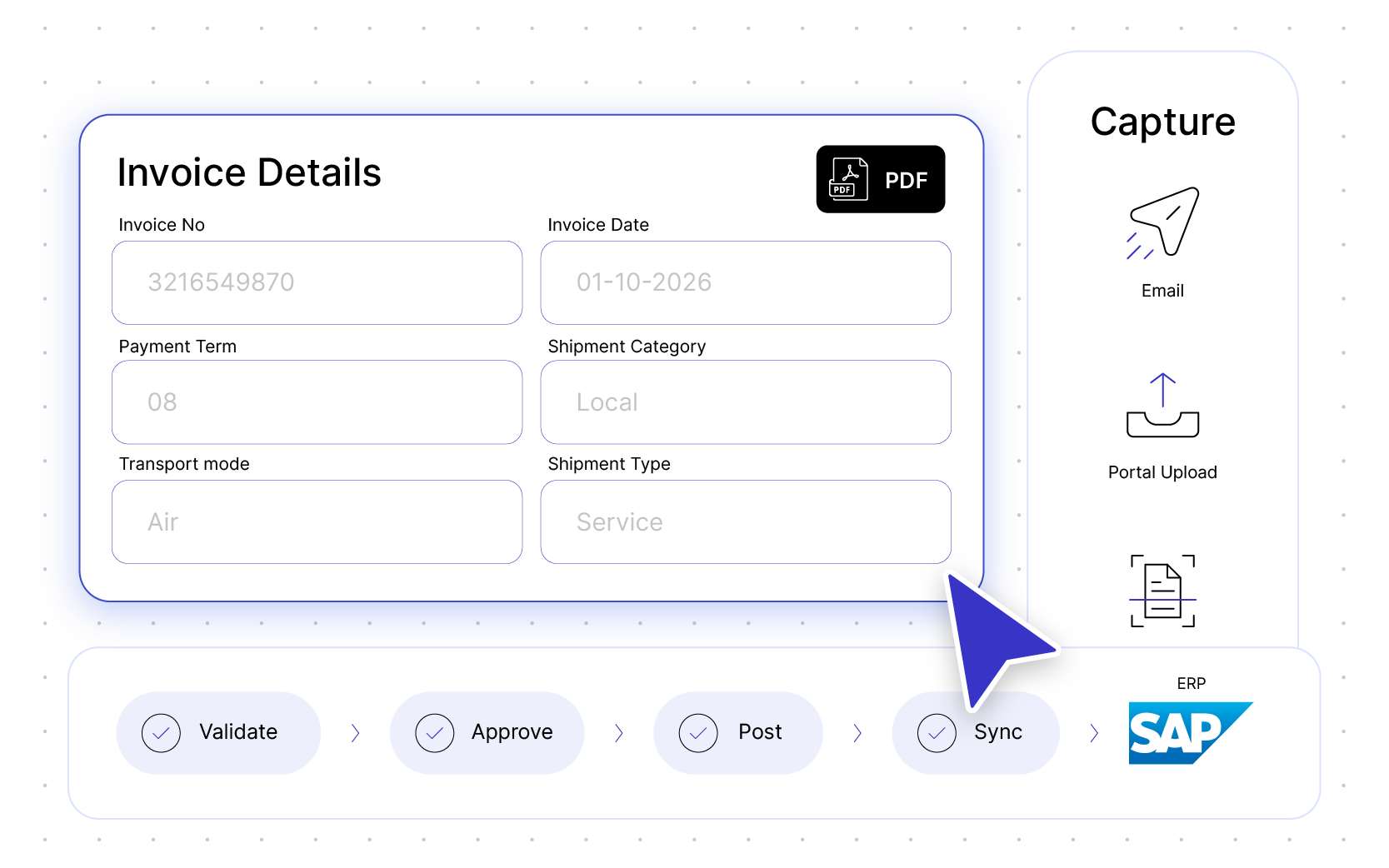
Matching depends on clean exchange of purchase order, line, receipt, service entry, invoice, supplier, quantity, price, tax, currency, and account data with the ERP and finance process.
Matching controls should preserve the rule applied, tolerance or exception, evidence, reviewer, approval, and final decision. Separate operational confirmation from financial approval and protect invoice and supplier data.
Implementation approach
Start with the exception types creating the most volume or payment delay. Map the records and owners involved, pilot two-way, three-way, and service scenarios, and measure resolution quality rather than only match rate.
Implementation principle
Start where exceptions consume the most time.
Scope the workflow around the decision, data, owners, and handoffs that need to work after launch—not only the screens that need to be configured.
Map capture, validation, receipt, service entry, matching, approval, posting, and payment states.
Agree reason codes, ownership, evidence, escalation, and the handoff back to procurement or the requester.
Test representative two-way, three-way, and service-based scenarios with finance and operations.
Use exception learning to improve requisitions, orders, receipts, suppliers, and budget controls.
Customer evidence
Use the customer voice below as a starting point, then test the same workflow against your own systems, roles, controls, and priorities.
“VendrNova’s MIS dashboard gives us control and capability. We automated 80% of purchase orders and 95% of GRs, cut approval times from days to hours, and gained real-time visibility across our vendor network.”

Abhay Kulkarni
AVP PSM · TKIL Industries Pvt Ltd. (formerly thyssenkrupp Industries India Pvt Ltd.)
Relevant FAQs
Clear answers help procurement, finance, IT, security, and business stakeholders enter the same conversation.
Two-way matching compares an invoice with the purchase order. Three-way matching adds receipt or service confirmation so finance can verify what was ordered, received, and billed before payment.
The matching workflow can bring PO, receipt, service entry, invoice, supplier, and exception context into one review while using the ERP and finance process for authoritative transaction and posting records.
Common causes include missing or changed purchase orders, quantity or price differences, incomplete receipts, service confirmation gaps, tax or currency issues, and invoices that do not reference the expected transaction.
The owner depends on the reason: receiving or service owners may confirm delivery, procurement may resolve commercial differences, suppliers may correct documents, and finance may approve or reject the accounting outcome.
Next step for Invoice Matching
Bring one invoice mismatch path to VendrNova and connect the PO, receipt, invoice, evidence, owner, and final decision that should move it forward.